
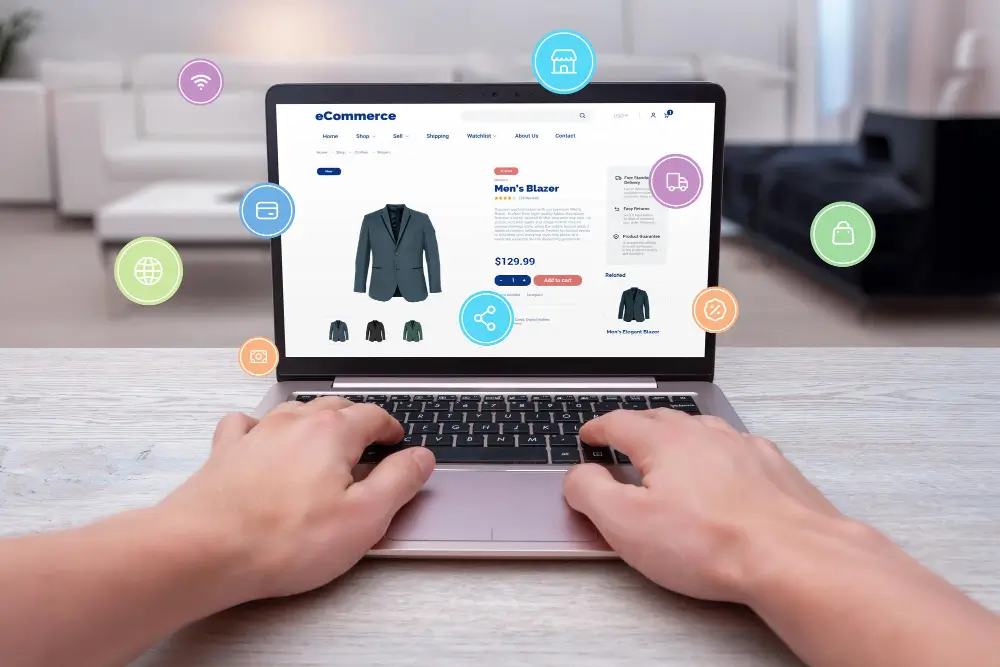
Running a Shopify store is exciting, but there’s one factor that can quietly affect your revenue without you realizing it—website speed. Even a small delay in loading time can push potential customers away before they even see your products.
Modern online shoppers expect pages to load instantly. If a store takes too long, they simply move to another website. The results of studies on the performance of eCommerce have consistently shown that faster websites enhance the user experience, improve search visibility and lead to greater conversion.
This is the reason speed optimisation isn’t just a technical job. It’s a business-oriented strategy that directly affects sales, SEO rankings and even customer satisfaction. Many businesses also consult a professional web development company to identify technical performance issues and implement effective improvements.
In this guide, we will walk through a practical Shopify speed optimisation checklist that store owners can follow to improve performance and maximise conversions.
Why Shopify Store Speed Matters
Before jumping into the checklist, it is important to understand why speed is such a critical factor.
A slow store can cause several problems:
- Higher bounce rates
- Lower search rankings
- Poor user experience
- Reduced conversion rates
- Increased cart abandonment
Even a delay of a few seconds can reduce the chances of a purchase. Faster stores create smoother shopping experiences and help customers move quickly from browsing to checkout.
This is exactly why ecommerce experts and agencies like Xelogic Solutions emphasise speed optimisation as one of the first improvements for Shopify stores that struggle with conversions.
Shopify Speed Optimisation Checklist
Let’s look at the most effective steps that can significantly improve the performance of your Shopify store.
1. Optimise Product Images
Images are essential for ecommerce because customers want to see products clearly before buying. However, large images can slow down your store dramatically.
In many Shopify stores, images and videos make up more than half of the page size, which directly affects loading speed.
To optimise images:
- Compress images before uploading
- Use modern formats like WebP.
- Resize images to Shopify’s recommended dimensions.
- Add proper alt text for SEO.
- Avoid unnecessarily large banners.
Optimizing images alone can reduce page weight and improve loading speed significantly.
2. Use a Lightweight Shopify Theme
Your Shopify theme plays a major role in performance. Some themes include heavy scripts, unnecessary animations and complex design elements that increase load time.
Choosing a lightweight theme ensures:
- Faster page rendering
- Reduced script loading
- Better Core Web Vitals scores
A clean theme structure makes it easier for browsers to load your pages quickly and smoothly. Many businesses rely on experienced teams offering Shopify development services to customise themes while maintaining optimal performance.
3. Remove Unnecessary Shopify Apps
One common mistake store owners make is installing too many apps. While apps add useful features, they also add scripts that load in the background.
Too many apps can slow down the entire store.
Best practices include:
- Removing unused apps
- Replacing heavy apps with custom solutions
- Installing only essential tools
- Regularly auditing app performance
Keeping your Shopify store minimal and efficient helps maintain strong speed performance.
4. Enable Lazy Loading
Lazy loading is the process that allows media and images to be loaded only when they appear on the screen of the user.
Instead of loading all the content simultaneously, the content is loaded when the user scrolls the page.
Benefits of lazy loading include:
- Faster initial page load
- Reduced server requests
- Improved mobile performance
- Better user experience
Lazy loading is especially useful for stores with many product images.

5. Minify CSS and JavaScript Files
CSS and JavaScript control how your Shopify store looks and behaves. However, large or poorly optimised files can slow down your website.
Minification helps by removing unnecessary code such as spaces, comments, and unused scripts.
Optimisation steps include:
- Minifying CSS files
- Minifying JavaScript
- Removing unused code
- Combining scripts where possible
These changes reduce the number of HTTP requests and improve page loading time.
6. Optimise Mobile Performance
Mobile shopping now dominates ecommerce traffic. If your Shopify store is slow on mobile devices, you could be losing a large percentage of customers.
Mobile optimisation includes:
- Using responsive images
- Reducing mobile scripts
- Simplifying page layouts
- Optimising touch interactions
Responsive images automatically adjust to the screen size, improving both performance and usability.
Professional teams such as Xelogic Solutions often start optimisation by auditing mobile performance, since mobile users are the majority of online shoppers.
7. Use Shopify CDN and Browser Caching
Shopify uses a Content Delivery Network (CDN) to deliver files from servers located closer to users. This reduces loading time and improves global performance.
CDNs help by:
- Delivering images faster
- Reducing server response time
- Improving page speed for international visitors
Browser caching also stores certain files on a user’s device so they don’t need to be downloaded again during repeat visits. Businesses working with a specialised Shopify development company often implement advanced caching strategies to maximise store performance.
8. Monitor Speed Using Performance Tools
Speed optimisation should not be treated as a one-time task. Shopify stores evolve with new products, apps and design updates.
Regular testing helps identify performance issues early.
Popular speed testing tools include:
- Google PageSpeed Insights
- GTmetrix
- Shopify Web Performance Dashboard
These tools provide insights into loading speed, Core Web Vitals and user experience metrics. Continuous monitoring is also a standard practice for any professional website development company managing ecommerce platforms.
Final Thoughts
A fast Shopify store is more than just a technical improvement — it’s a competitive advantage. When your pages load quickly, customers stay longer, browse more products and complete purchases with less friction.
From optimising images and removing unnecessary apps to improving mobile performance and enabling lazy loading, every step in this checklist contributes to a faster and more profitable store.
Many growing ecommerce brands partner with specialists like Xelogic Solutions to audit their stores, identify speed issues, and implement technical improvements that directly support higher conversions.
If your Shopify store feels slow or your sales are not where you expect them to be, optimising speed could be the missing piece. A faster store means happier customers — and ultimately, higher sales.
Ready to Speed Up Your Shopify Store?
A slow store can silently reduce your conversions and sales. If your Shopify website is not performing as fast as it should, it may be time for a professional speed optimisation audit.
Our experts can analyse your store, identify performance issues, and implement proven optimisation techniques to improve loading speed, user experience, and overall conversions.
Get in touch today and let our team help you build a faster, high-performing Shopify store.
Contact Us
- Cell: +91 87002 97305
- India: +91 991-106-0914
- USA: +1 609-488-4431
- Mail : in**@**************ns.com
Let’s optimise your Shopify store for better performance and higher sales.
Frequently Asked Questions
Q. Why is Shopify store speed important for sales?
A. A faster Shopify store improves user experience and keeps visitors engaged. When pages load quickly, customers are more likely to browse products and complete purchases. Many businesses also consult a professional Shopify development company to identify performance issues and optimise store speed effectively.
Q. What is the ideal loading time for a Shopify store?
A. Ideally, a Shopify store should load within 2–3 seconds. Stores that load faster tend to have lower bounce rates and higher conversion rates.
Q. Do Shopify apps affect store speed?
A. Yes, installing too many apps can slow down your store because each app adds extra scripts and code that need to load when the page opens.
Q. How can images slow down a Shopify store?
A. Large or uncompressed images increase page size, which makes the website take longer to load. Compressing and resizing images helps improve store performance.
Q. How often should Shopify speed optimisation be done?
A. Speed optimisation should be checked regularly, especially after adding new apps, themes, or design updates, to ensure the store continues to perform efficiently. Many businesses rely on professional Shopify development services to monitor performance and maintain consistent store speed.

Radhika Lohmod
I'm Radhika Lohmod, Senior Content Specialist at Xelogic Solutions, and I specialize in creating high-quality content across various domains to help businesses connect with their audience.